
To install QwertyZen Community Edition on your MacOS (Arm) computer
1. Click this button to download the compressed zip package
2. Unzip the package to reveal the app bundle to extract the app bundle.
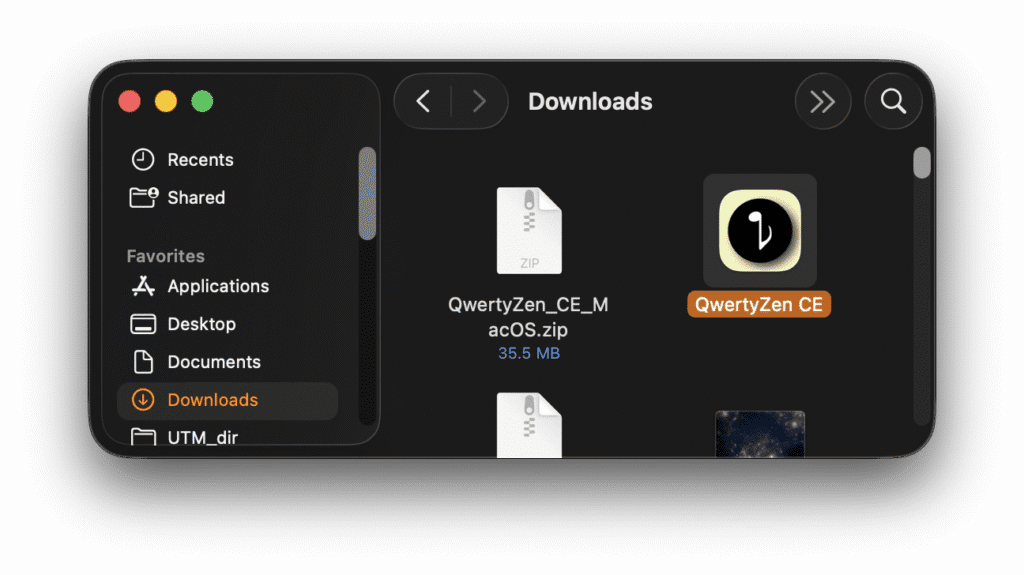
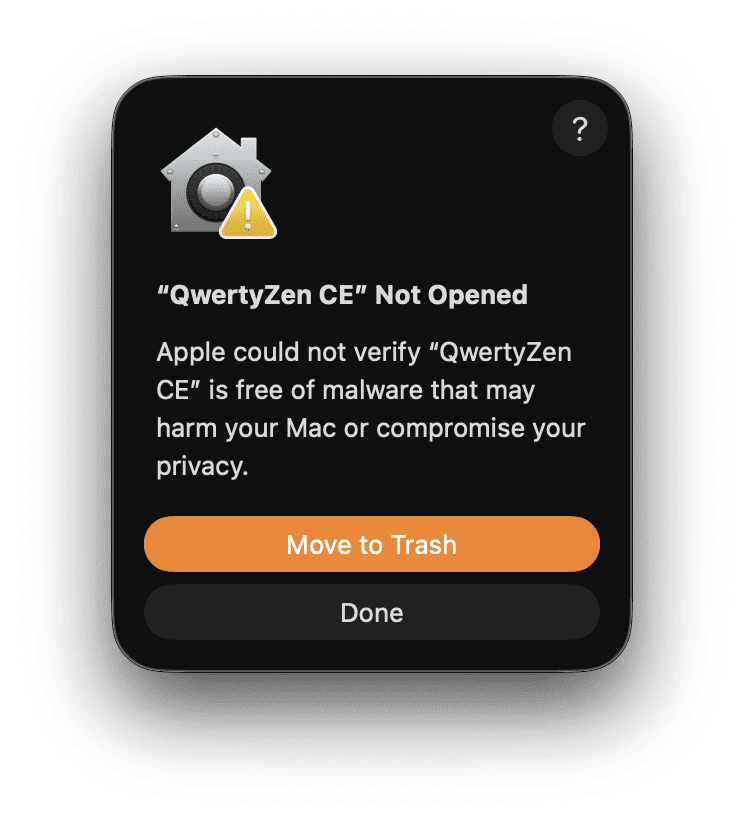
3. Double click the app icon. Since the app is unsigned, GateKeeper will block it and show the following dialog. Click “Done”.
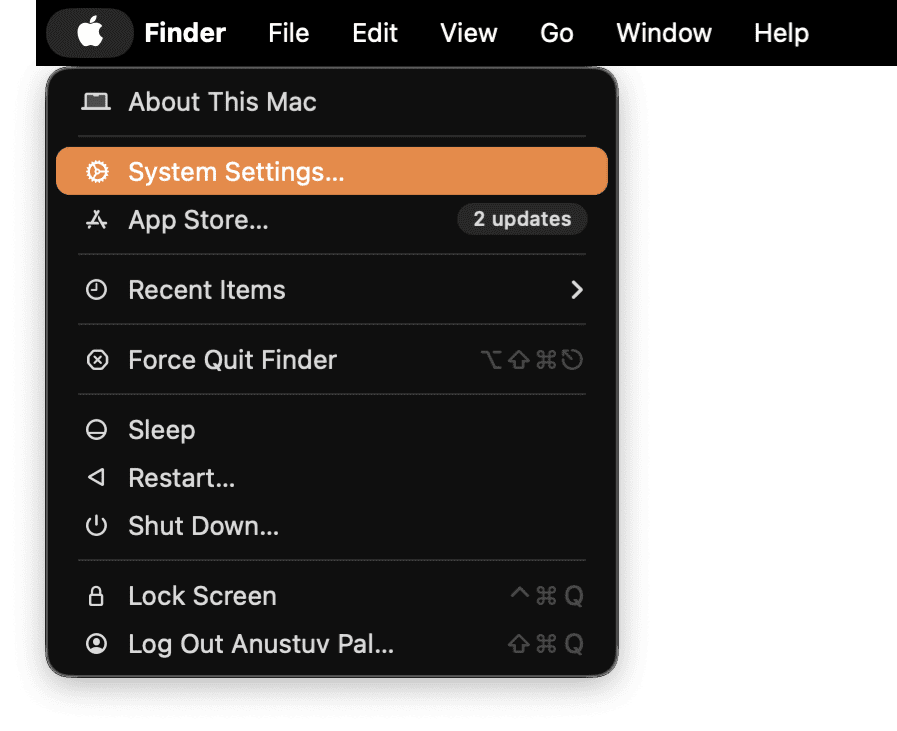
4. Open the MacOS Systems Settings as shown below
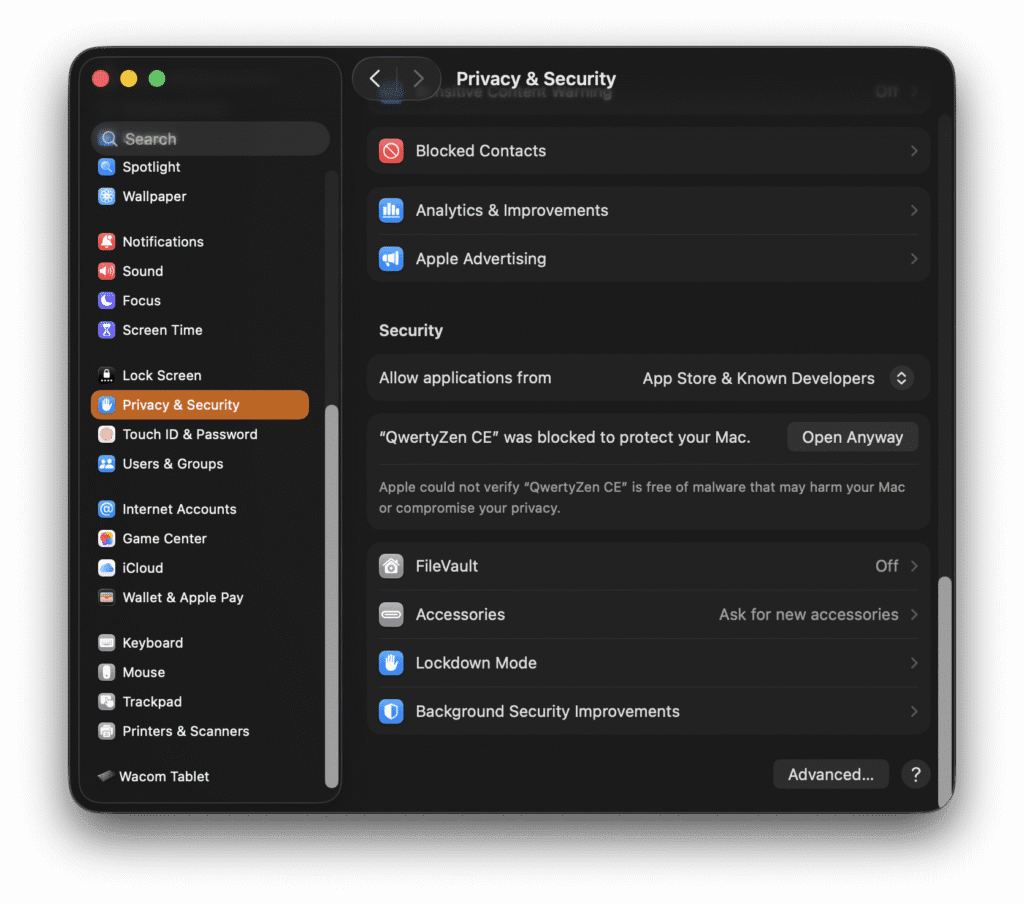
5. In the Settings window, click “Privacy and Security” in the left panel.
6. In the right panel, scroll all the way down to reveal the message
“QwertyZen CE” was blocked to protect your Mac.
7. Click “Open Anyway”.
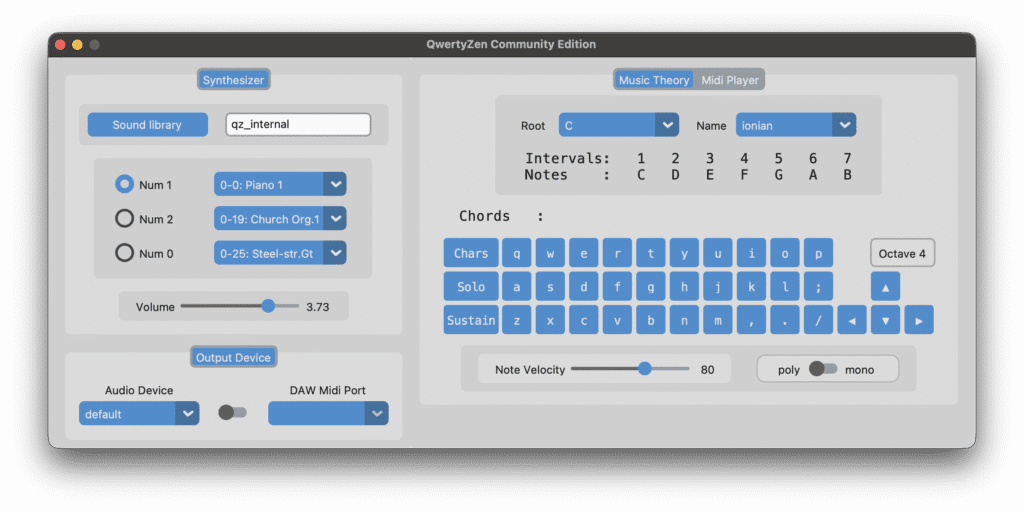
8. This should launch the application
6. To install and run it like a regular app, drag the app icon to the Applications folder on the left panel.